Chrome extension · TradingView
Trade the setup.
Post the story.
Don't just write your trades down — watch them back. tRecordify auto-records every session, finds every trade, and turns each one into a clean vertical clip with your P&L and face cam baked in — soundtracked and ready to post.
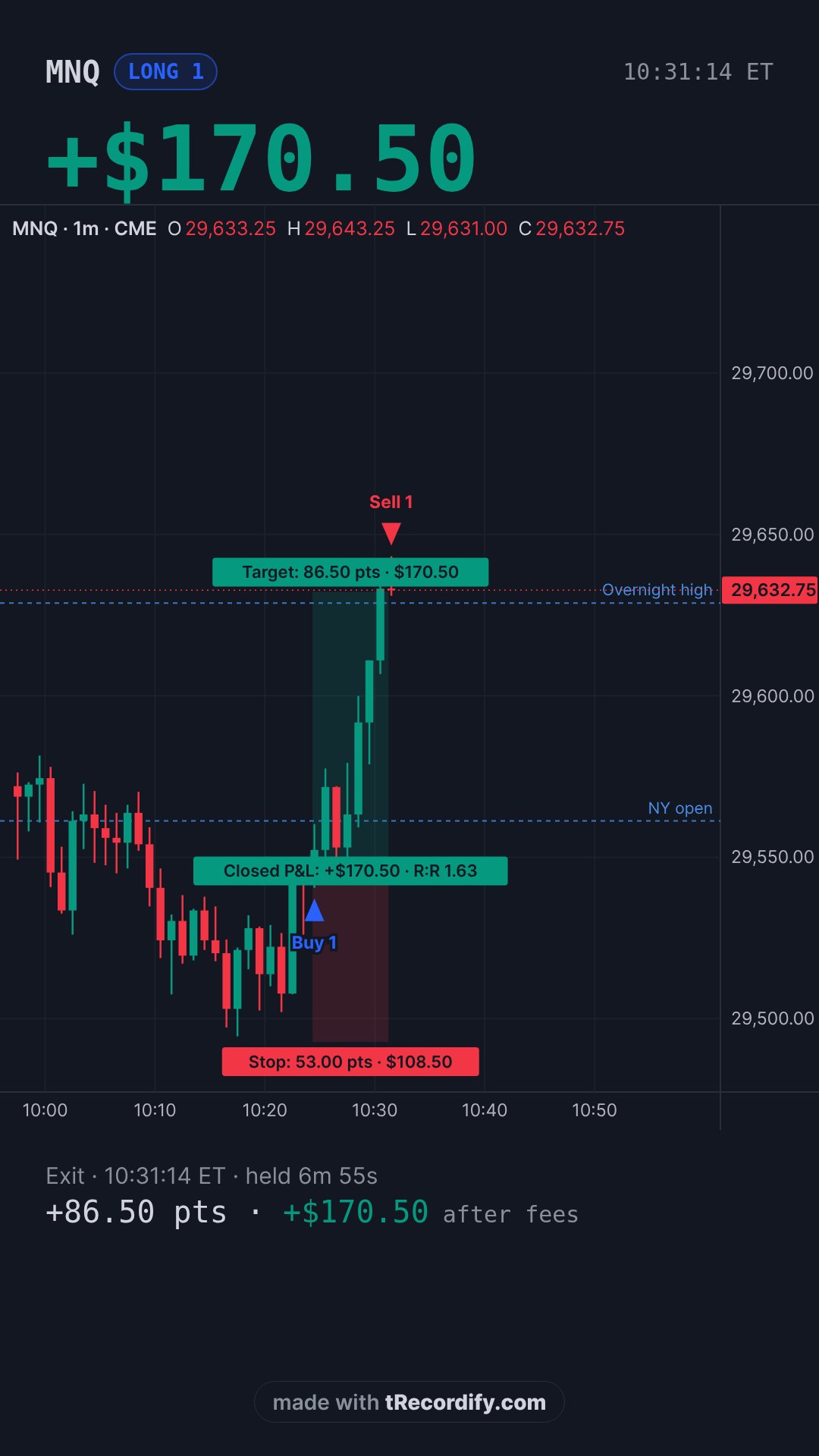
Got a screenshot of a great trade? Watch it play back.
Upload the chart and we rebuild the move from real tick data, ready to post as a vertical video.
Your journal is the trade — on video.
A normal trade journal is a spreadsheet row you never reopen. Here, every recorded trade lands on a calendar by the day you took it, with the price action and a note underneath — not just the P&L.
- Calendar by trading day — green or red per day, net P&L and count at a glance.
- An efficiency score on every trade — the real MFE/MAE, and the drawdown-recovery story front and center, not just a clean “100%.”
- A note under every clip — the setup, what you read right, what to fix. Private to you.
- One tap to the editor — open any day's clip and reframe, restyle or re-post it.
September 2026
9 trading days · +$1,265 netDipped to −$45.00 before recovering to +$245.00
Then captured 100% of the best move after that recovery
Clean break-and-retest off the 1-min open. Sized right, held through the first pullback. Next time: don't add on the extension.
saved · private to youYou press record and trade. That's your half.
Everything from the fill to the finished MP4 runs on its own. You come back when you're ready to journal it and post.
- Start the recording when you sit down — one click, then stay on the chart.
- Trade your session exactly as normal.
- Later, in the dashboard: frame the reel, pick a badge and a track, add a note, hit post.
- Detects every trade from your positions panel — each fill opens a clip, each close ends it. Futures, forex, crypto or stocks: if TradingView shows the position, it's caught.
- Records the ~90s around it and samples live price, so the P&L badge moves even with the panel hidden.
- Renders the MP4: crops to each format, speed-ramps long holds, mixes the track, drops it on your Clips page.
Two moves are yours. The dozen in between are handled — while you're still trading.
Reels, square or landscape. Same trade.
The worker crops and composites per format from the full-window capture, so switching platforms never needs a re-record.
Built by someone who posts their trades.
A P&L badge that moves
Synthesised from live price and your size — six looks, from a clean card to a neon glow, and it stays put when you hide the panel.
Your face, your way
Rectangle, rounded, circle — with a border colour and shadow — or a full-width band along the bottom with the chart above it.
Frames itself to the action
Auto-crop follows the candles to the right edge; drag the box yourself if you want. It even matches a light or dark chart theme.
Speed-ramp for long trades
Held for 40 minutes? Entry and exit play real-time, the middle time-lapses so the whole thing lands in ~60 or ~90 seconds.
A cleared music library
Drop a track on any clip, set the volume, and it loops and fades to length. No copyright roulette.
Multi-chart aware
Side-by-side layouts? Pick which pane to follow. It keeps recording the tab you chose even after you switch away.
Sign up. Start clipping.
Create your account with Google in one click — bring your own TradingView.
Sign up with Google